 The deadline to complete Cybersecurity Awareness training is Tuesday, April 30.
All faculty, staff, and student employees are required to complete the training, or you will lose your eID access. You can complete the training at your own pace, whether in one or multiple sittings. On average, most people complete the training in under one hour.
If you fail to complete the training, you will lose access to all University systems on May 21. Once you complete the training, your access will be restored.
If you have student employees who are no longer employed, be sure to terminate them in HRIS to prevent their access from being removed if they are still active students.
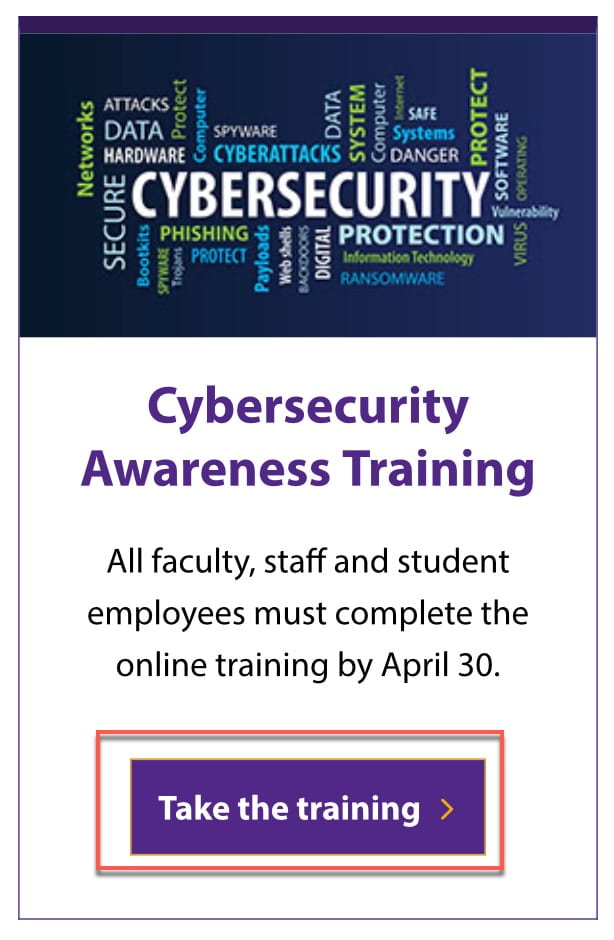
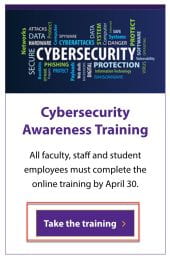 Access the training
- Visit the Division of Information Technology website: https://www.k-state.edu/it/.
- At the bottom of the page, under the Cybersecurity Awareness Training section, click the Take the training button.
Record of training completion
After you complete the training, your training record in HRIS will be updated. It will be listed under the Training Summary as Cybersecurity Awareness, with the course code WIT590 and course session 2024.
If you have questions about the Cybersecurity Awareness training, contact the IT Service Desk:
- Phone: 785-532-7722
- Live chat
- Walk-in: 2nd Floor, Hale Library
 The IT Knowledge Base is an online database of technology guidance with step-by-step instructions and other support information. It is designed to assist K-Staters in finding solutions to their technology problems, including everyday computer and mobile device setup and connecting to K-State systems and resources.
 The Zoom desktop app will no longer be supporting Windows 7 and Windows 8/8.1 with the new 6.0.0 release. Version 5.17.11x will be the last version available for these operating systems.

 Do you need to print something? A limited amount of free printing is available to K-State students, faculty and staff on the Manhattan campus. K-Staters get $10 of free printing during the spring and fall semesters and $5 for the summer semester. Unused balances do not carry forward to the next semester.
